01
Configure your operation
Set the system up around the actual site, equipment, suppliers, relevant food processes, responsibilities and operating controls.
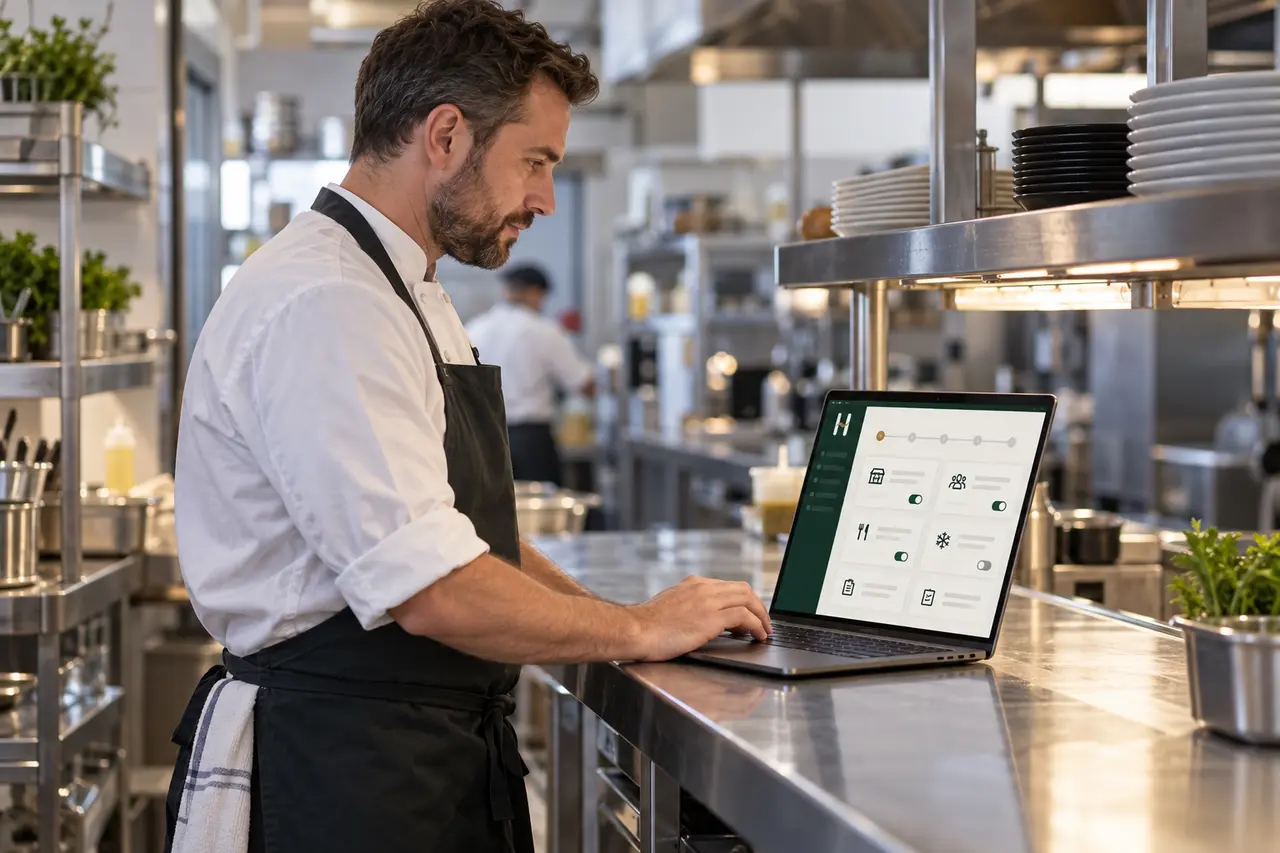
How it works
The food-safety system and the daily records form one operating model—not separate documents and checklists.
Set the system up around the actual site, equipment, suppliers, relevant food processes, responsibilities and operating controls.
Staff see the checks and controls that apply to that kitchen, when they are due and the records they need to complete. It works on iPhone, Android and desktop. Core operational records can continue offline and sync when the connection returns.
Give your team access and they can use HACCP Made Simple on their phones to complete the checks that apply to their work.
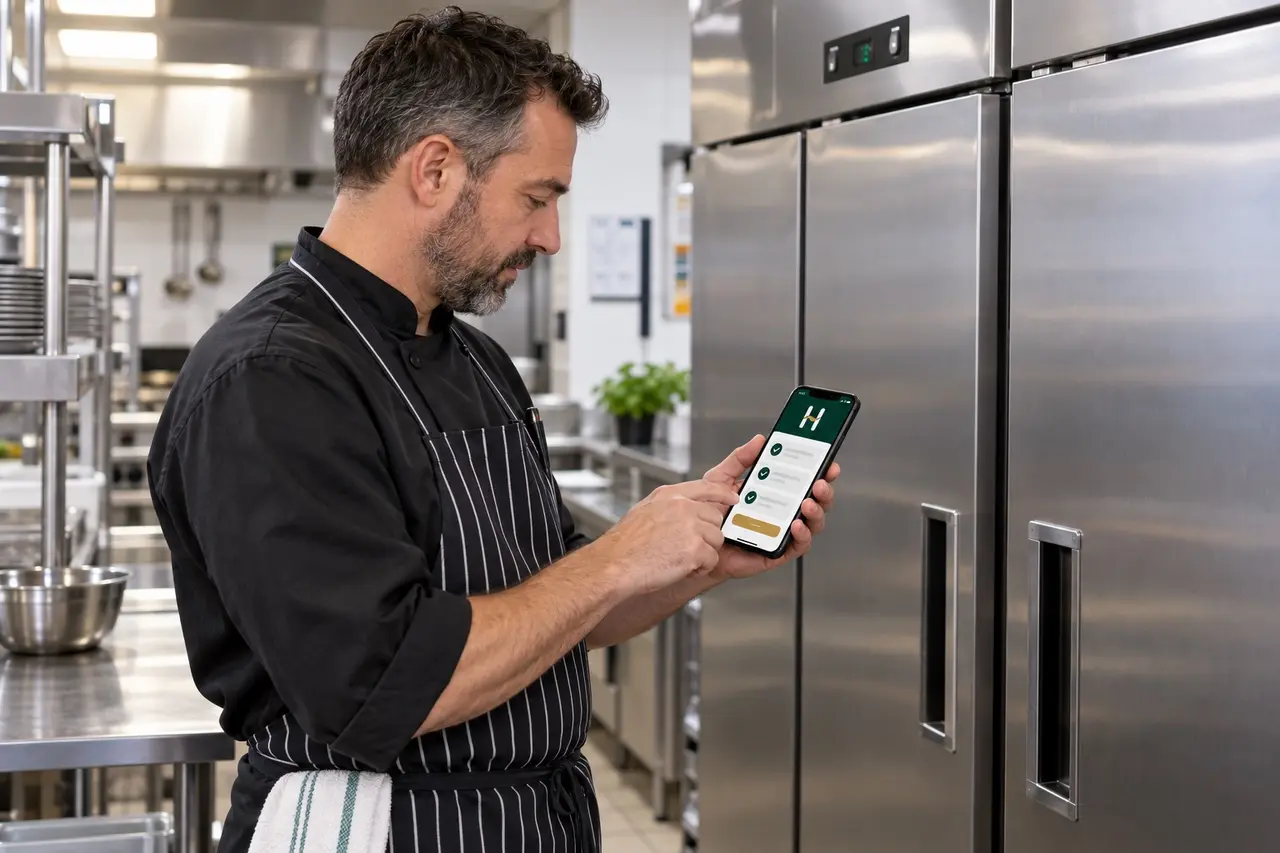
Act when something goes wrong. A failed or out-of-control check leads into the corrective-action process instead of ending with a red result.
Each record keeps the user, time, result, action and review information together where those functions are available.
Managers can follow daily operation, open corrective actions, verification and periodic review in one place.

One connected system
It supports consistent operation and evidences what happened. It does not make food-safety decisions automatically, guarantee compliance or transfer legal responsibility away from the food business operator.
Corrective action in practice
Read how the failure, immediate response, food or equipment decision and management verification should stay connected.